
WordAI Review. If you are a blogger like me, or you run an online business, or you do freelance writing for clients… then you probably know one pain – writing fresh content again and again.
It sucks.
It takes time.
Sometimes our brain just don’t co-operate.
And in 2026, AI tools are everywhere. Suddenly everyone is like “oh bro use AI, life become super easy.” But biggest problem? Most AI rewrites sound robotic. Google also catching spam now.
So I wanted to check a tool that many SEO people talk now WordAI.

In this full review, I will tell:
- What is WordAI
- How WordAI works
- Real demo rewrite example
- Who should use and who should not
- Pricing and plans
- My honest pros & cons
- Should you buy it or skip it?
I will talk simple English. No fancy heavy “AI language model” type tone. Just like a friend sitting in a tea shop and talking about digital marketing.
Let’s begin.
What is WordAI?
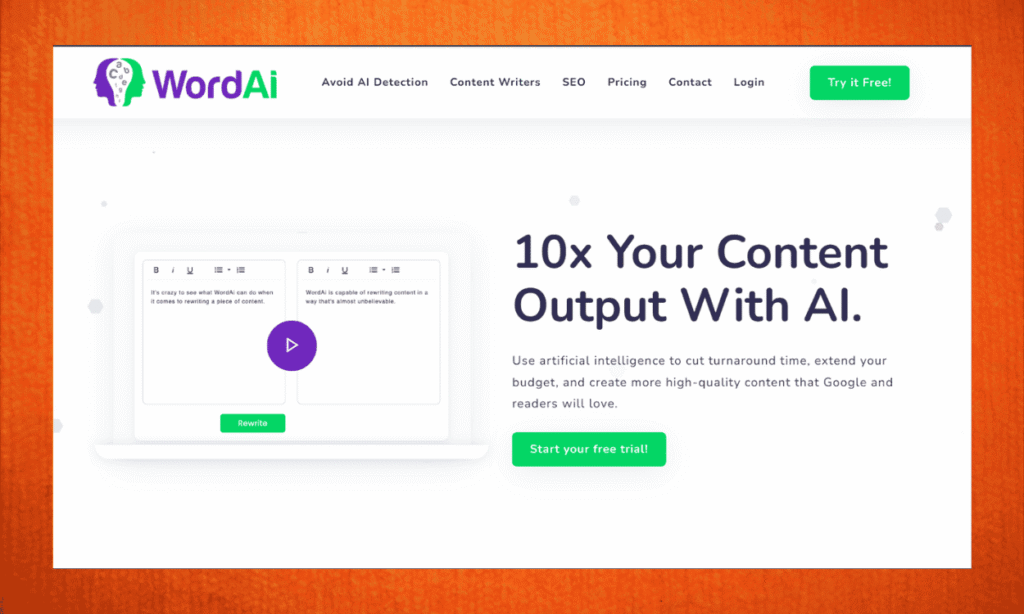
WordAI is a AI-powered content rewriter tool.
Means you take any article, blog paragraph, product description etc… and WordAI rewrites it into brand new unique content that sound natural, human and meaningful.
It don’t only change words or synonyms like old “article spinners”. It actually understands the meaning first, then re-writes in a smart way.
Think like this,
You say:
I like to drink coffee in the morning.
WordAI might say:
Every morning, I enjoy a cup of coffee to start my day.
Same meaning, but more fresh wording. Also sounds natural. Not like spinning tool: “I prefer to beverage coffee at sunrise.”
So mainly WordAI is useful for:
- Bloggers
- SEO writers
- Affiliate marketers
- Agency content teams
- YouTubers rewriting scripts to blog
- E-commerce rewriting product text
If you are in content game, this tool feels like giving you extra brain.
Why People Use WordAI?
Let’s be honest.
Writing 100% new content daily is hard.
Especially if you:
- Handle multiple niche websites
- Do blogging for affiliate SEO
- Run agency with many client website contents
- Rewrite PLR content
- Repurpose YouTube videos to blogs
WordAI saves time like crazy.
Instead of 3 hours writing, you might finish in 30 mins.
But again, this is not a shortcut for lazy people.
You must still edit, add your voice, fact check, and keep quality.
I will say WordAI is like support tool, not “do everything tool”.
WordAI Features (explained beginner-friendly)
Here the key things WordAI offers:
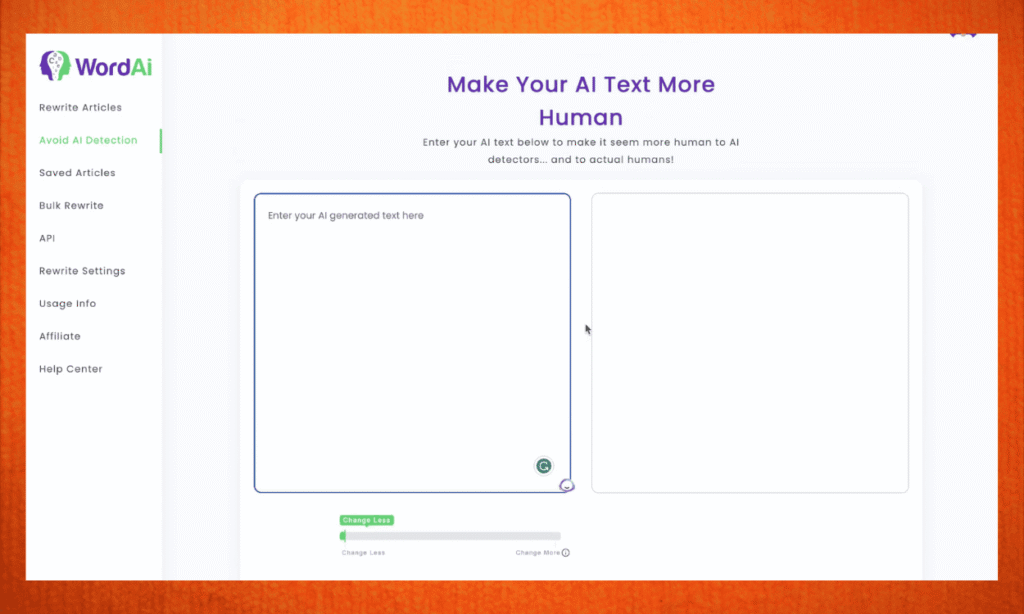
1. Sentence & paragraph rewriting
Not only replace few words. It rewrites structure and flow.
2. Bulk rewrite
If you have 10, 50, 100+ articles, you can rewrite in batch. Super useful for agency and niche site builders.
3. Adds clarity & improves grammar
Some AI tools just rewrite but WordAI actually makes text more clear and readable.
4. API support (My honest WordAI Review)
If you build tools or automation workflows, you can connect WordAI system.
5. Fast processing
You paste → click rewrite → content ready in seconds.
6. Works with long-form content
Some rewriters break after 2-3 paragraphs. WordAI handles long content better.
7. Protects meaning
Important for technical blogs, medical, finance etc.
Honestly these features impressed me more than normal paraphrasing tool.
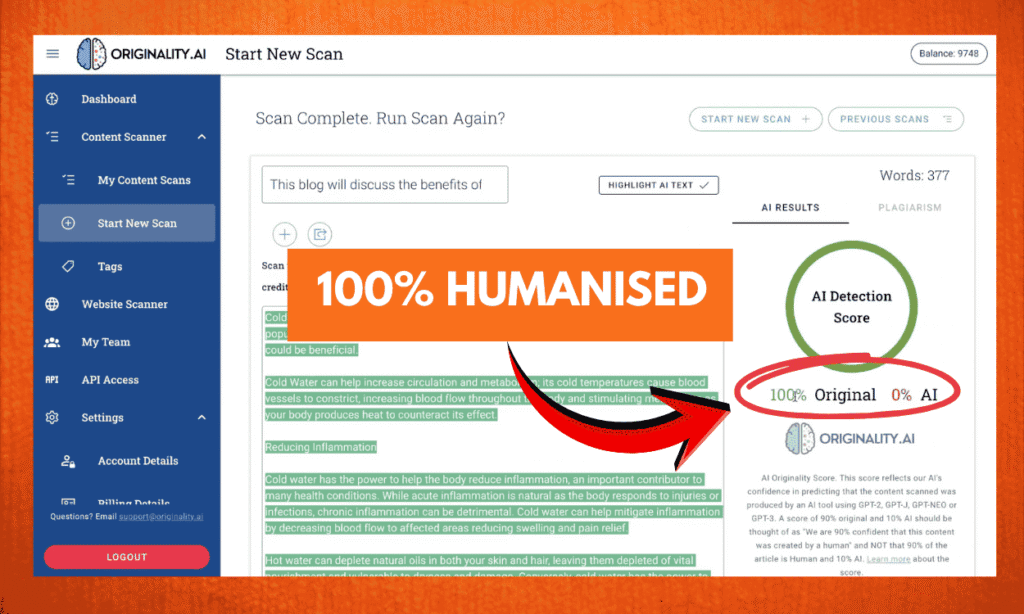
8. Human-like rewrite
It keeps original meaning but changes sentence completely so Google don’t see a duplicate.
WordAI Dashboard & User Experience
Very clean and simple dashboard:
- Paste content
- Choose rewrite strength
- Hit rewrite
- View outputs and copy
Even beginners can use in first minute.
No confusing million buttons like some tools.
Speed also fast.
I tested 1000-word article, It finished rewrite in few seconds.
UI feels smooth.
No lag. No headache.
Real WordAI Output Example (Human review)
Original sentence:
Content writers spend a lot of time creating new articles from scratch, which can delay posting schedules.
WordAI rewrite:
Writers often lose many hours trying to craft completely fresh content, and that slows down their publishing plans.
This is really good rewrite. Same meaning, different words, natural flow.
Not like old spinner:
Authors waste huge hour building articles new, which delay calendar posting.
So definitely quality is high.
SEO Performance Will Google Penalize?
Good question.
Google hates spammy content. But it loves helpful, readable, unique + human-edited content.
WordAI does good job making text natural. Not robotic. So safer than cheap spinner tools.
But remember this rule 👇
Use WordAI + your brain = Safe SEO
Rely only on automation = Risk
I always tell people:
AI helps, but final human polish wins.
If you use WordAI as assistant, very safe for SEO.
WordAI Pricing (2026)
Here the price plans currently shown:
| Monthly Plan | Good if testing short period |
| Annual Plan | Better discount, recommended |
| Enterprise | For big teams, API usage etc |
WordAI pricing is little premium compared to cheap spinners.
But honestly quality also higher, so fair.
If you make income from blogging or clients, this tool pays back fast.
Pro tip: Go annual if serious. Saves more money.
Pros & Cons of WordAI Review Opinion
| Pros | Cons |
|---|---|
| Very natural rewriting | Not ideal for fiction or creative stories |
| Helps save 70%+ content time | Cannot magically generate new ideas from zero |
| Beginner-friendly interface | Still need human editing (not 100% auto) like copy paste manual work |
| Good for SEO blogs & agencies | Not cheapest tool in market |
| Bulk rewrite helpful for big projects | |
| Improves readability | |
| Strong semantic rewrite (not just synonyms) |
But honestly, for rewriting purpose, it does job very well.
Who Should Use? Honest WordAI Review
Use if you are:
- Blogger running multiple sites
- Affiliate marketer needing content pipeline
- Content agency rewriting client blogs
- Niche site builder
- YouTuber repurposing scripts to articles
- Business writing product descriptions
Not necessary if:
- You are totally beginner and don’t yet earn online
- You want tool to write content from scratch
- You expect magic “press button get money”
For beginners with zero income, better to start with free tools first.
When traffic starts, invest into WordAI to scale.
My Personal Experience / Honest WordAI Review Thoughts
I used many rewriters before like Quillbot, SpinRewriter, some random AI tools.
Most time I get:
- robotic tone
- weird grammar
- sentence that don’t sound human
But WordAI output felt more natural.
And content felt safe for SEO.
I used it to rewrite few PLR articles just for test and results are good.
I still edited and added my flavour. But time saved huge.
So yes, I really liked tool. It’s not hype only.
Tips to Get Best Results with WordAI
Follow these tips for best output:
✔️ Use high-quality input text
✔️ After rewrite, edit little
✔️ Add your examples, tone, stories
✔️ Fact check always
✔️ Run Grammarly quickly
✔️ Don’t try to create junk pages
WordAI + your brain = Content machine.
Final Verdict – Should You Buy WordAI?
If you are serious blogger, affiliate marketer, or content entrepreneur, YES, it’s worth it.
If you expect “1-click passive income content creation”… sorry, nothing like that exists.
WordAI is a smart assistant, not human replacement.
It helps speed, quality, and consistency.
My Recommendation (WordAI Review)
If you’re earning or planning real content business, go for it.
- It saves your time
- Makes readable content
- Good for SEO content scaling
Ready to try WordAI?
If you want to check pricing or grab a trial, here is the link:
👉 Get WordAI Here
Try for few weeks. If you don’t like it, don’t continue. Simple.
Frequently Asked Questions in this WordAI Review)
No, but you can try limited trial. Paid plan gives full power.
For SEO content rewriting, yes WordAI feels more smart. But for school assignments or sentence paraphrasing, Quillbot good too.
Yes, if you still edit and publish helpful content. Don’t depend 100% AI.
Yes but if you are not earning yet, start free tools first, then upgrade later.